
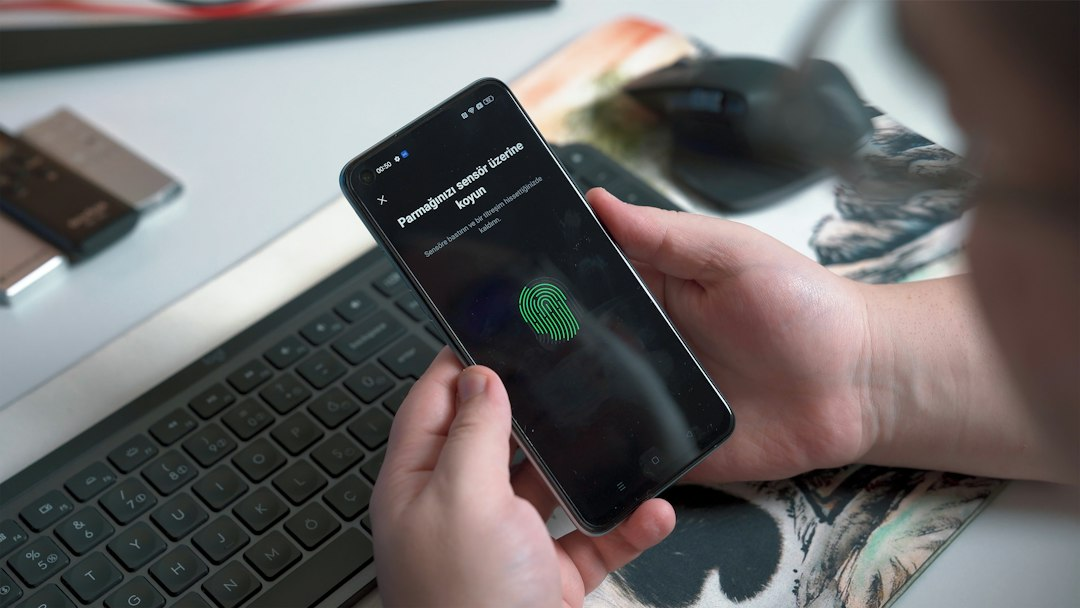
A password can be guessed, stolen or reused. Multifactor authentication adds another check, so knowing the password alone may not be enough to enter your account.
At a glance
- MFA asks for two or more different kinds of proof during sign-in.
- Authenticator apps, security keys and passkeys generally avoid some weaknesses of text-message codes.
- Start with email, banking, cloud storage and any account that can reset your other passwords.
What counts as another factor?
Authentication factors usually fall into broad groups: something you know, something you have and something you are. A password is something you know. A phone, authenticator app or hardware security key can represent something you have. A fingerprint or facial scan can represent something you are.
Two passwords do not create true multifactor protection because both are the same kind of factor. The added value comes from requiring a different form of evidence.
Why MFA can stop an account takeover
If a criminal obtains a password through phishing, a data breach or password reuse, an MFA prompt creates another barrier. The attacker must also obtain or defeat the second factor. CISA describes MFA as an important way to make accounts safer even when a password has been compromised.
Not every method is equally strong
Text-message codes are better than relying on a password alone, but they can be exposed through phone-number takeover schemes or convincing phishing pages. Authenticator apps generate codes on a device and avoid normal text delivery. Security keys and properly implemented passkeys can be stronger because they are designed to resist common phishing techniques.
Use the strongest option a service supports and that you can reliably recover. A strong method is not helpful if losing one device permanently locks you out.
A practical setup order
Begin with your primary email account because it often controls password resets for everything else. Continue with financial accounts, cloud storage, social accounts and shopping accounts that store payment information. Save recovery codes somewhere separate from the device you normally use.
Unexpected approval prompts can mean somebody already has the password. Deny the request, change the password through the official app or site and review recent account activity.
Sources
AskNovus links to the official sources so readers can review the underlying information.
This is an original AskNovus explanation based on the linked sources. Featured image: Onur Binay via Unsplash. Information may change after publication; check official sources for updates.
[…] locally. Confirm that calls and texts reach the new device. If you use an authenticator app for multifactor authentication, make sure you can sign in to important accounts before losing access to the old phone. The FTC […]