
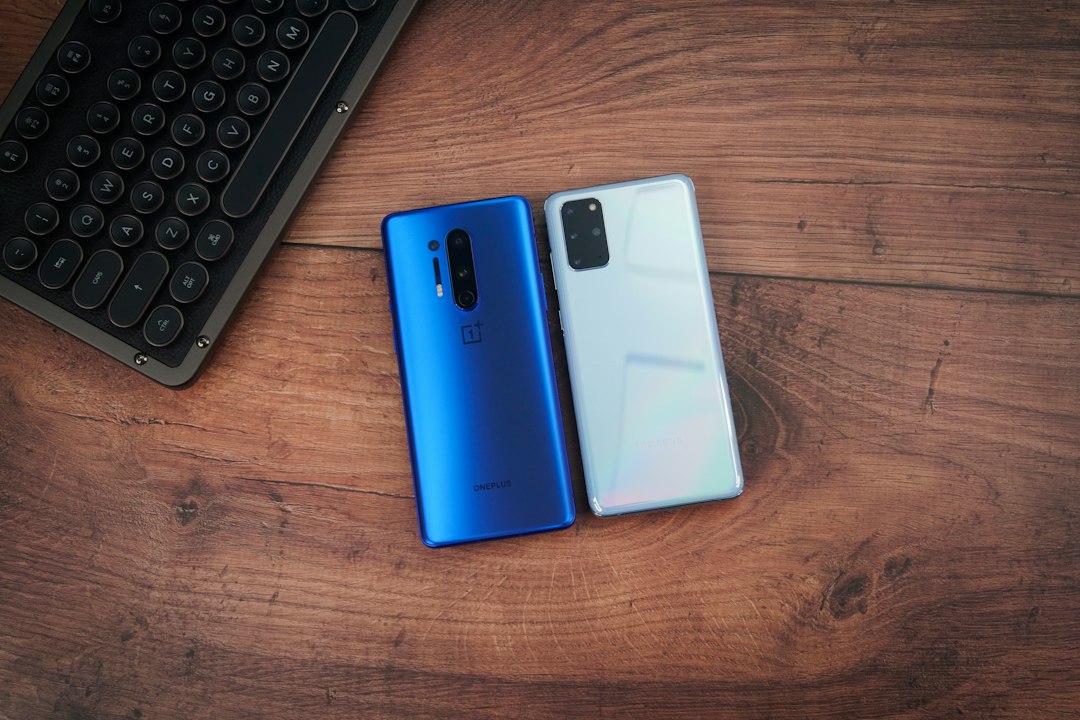
A safe phone handoff has an order: save what you need, confirm it arrived, move your service and account access, then erase the old device.
Trading in or giving away a phone can feel like a one-click task, but rushing the wipe can cost you photos or lock you out of accounts. The U.S. Federal Trade Commission, Apple, and Google all put backup and transfer ahead of erasing. Their exact menus differ by device and software version, so use the linked manufacturer instructions for the final taps.
1. Make a backup you can use
Start with the old phone charged, unlocked, and connected to Wi-Fi. Use its built-in backup tool or another method you trust. A backup is especially valuable if a direct phone-to-phone transfer stalls or you discover a missing item later. Keep the old phone until you have checked the new one.
Do not manually delete photos, contacts, or documents from an iPhone while it is still signed in to iCloud simply to “clean it out.” Apple warns that manual deletion can also remove those items from iCloud and other connected devices. The proper device erase comes later.
2. Transfer—and actually check—the new phone
Follow the setup prompts on the new device. Apple provides Quick Start for supported iPhones; Android offers device-to-device copying and backup restoration. Transfer options depend on the phones involved, so do not assume every app or piece of app data moves automatically.
Open the new phone and check several real items: recent photos and videos, contacts, messages, calendar entries, downloaded files, and any app that holds information locally. Confirm that calls and texts reach the new device. If you use an authenticator app for multifactor authentication, make sure you can sign in to important accounts before losing access to the old phone. The FTC notes that such apps may need reactivation.
3. Move the number and remove removable storage
If the old phone has a physical SIM, remove it after your mobile service is set up on the new device. Take out any microSD card as well. If the phone uses eSIM, follow your carrier’s transfer steps and the device maker’s erase prompts; an eSIM is not a removable card. Our eSIM and physical SIM guide explains the distinction.
If your number is changing, update it with services that use it for sign-in or recovery. Also review any paired wearable or other accessory that needs to move to the new phone.
4. Sign out where required, then use the built-in erase
For an iPhone, Apple’s handoff instructions cover signing out of the Apple Account, unpairing an Apple Watch if applicable, and using Erase All Content and Settings. The process turns off Find My and Activation Lock when completed properly. If you are switching away from iPhone, Apple also advises deregistering iMessage. On Android, Google says a factory reset removes data from the phone and recommends checking the device maker’s instructions because menus vary.
Use the system’s factory reset rather than deleting files one by one. Afterward, confirm the device shows its initial setup screen instead of your accounts or home screen. If a trade-in or resale service has separate packaging or account-release requirements, check those before shipping.
A final handoff check
- Your new phone has the information and account access you need.
- Calls, texts, and your mobile number work on the new device.
- Physical SIM and memory cards are removed from the old phone.
- The old phone has been reset using the maker’s instructions and shows a setup screen.
- Any account, device, or trade-in requirements have been completed.
If the old phone will not turn on or cannot be reset, contact the manufacturer or carrier for device-specific options before handing it to someone else.
Sources
This original AskNovus guide summarizes the official sources linked above. Featured image: TechieTech Tech via Unsplash.
[…] has a separate device handoff checklist for protecting personal data when replacing connected technology. The checklist is general advice […]